
How I Would Learn Tana If I Had to Do It Over Again
My curated curriculum for getting up to speed with Tana without drowning in every tutorial on the internet.

Martin Michaelsen
Nov 30, 2022
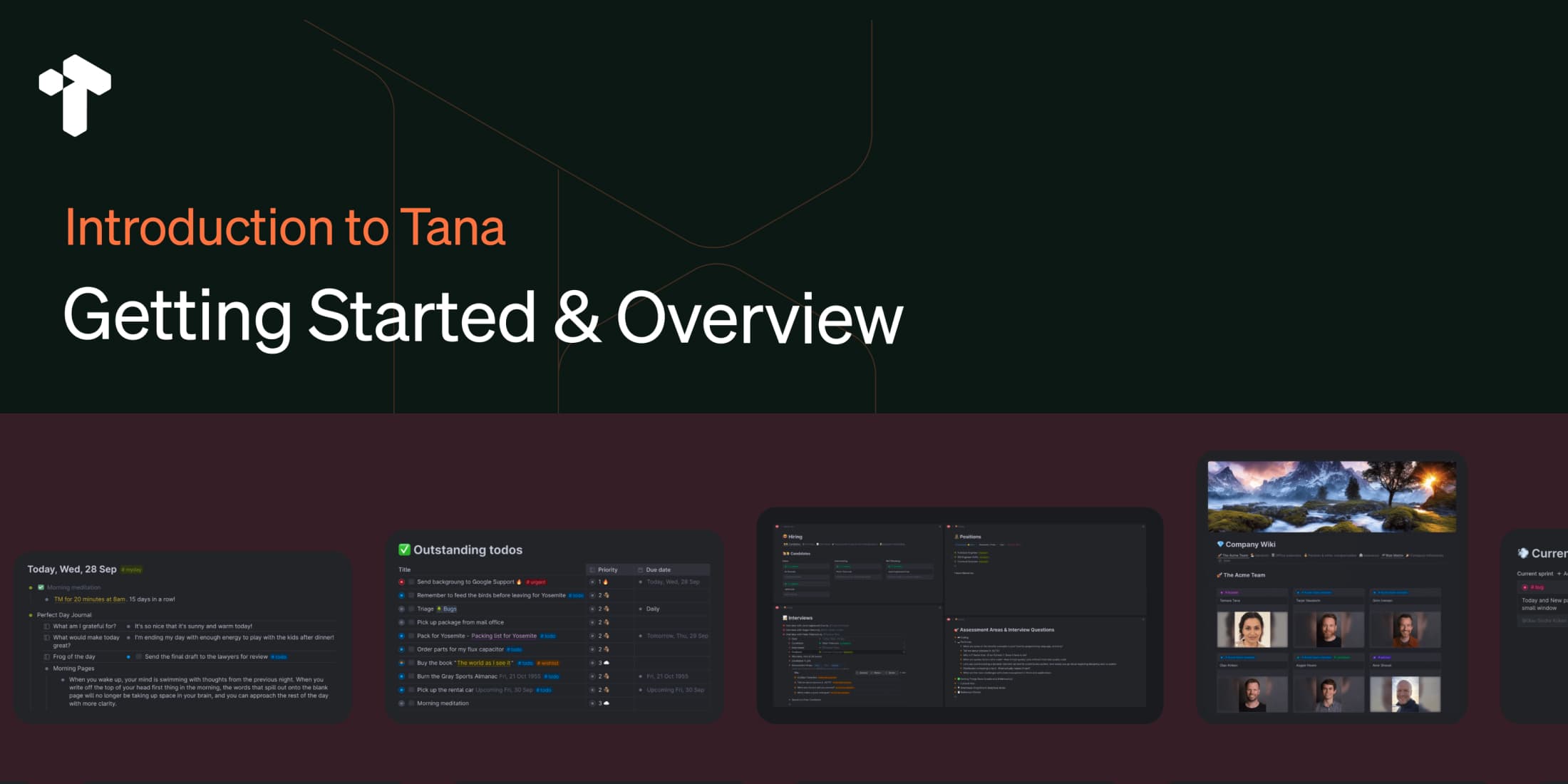
Tana is a new structured note-taking app that describes itself as an “Everything OS,” and if you buy into the quote below it might actually become that:
“The great horizontal killer applications are actually just fancy data structures.”
— Joel Spolsky, co-founder of Stack Overflow and Trello
It’s part of the “Tools for Thought” wave—think Notion, Roam Research, Obsidian, and Logseq. Tana feels like what would happen if Notion’s databases were woven straight into Roam’s daily-note flow: structured data you can slice and dice in countless ways, with a hierarchy for everything.
Having just endured a grueling time on the Tana waitlist I’ve consumed nearly all content on the internet about “How to learn Tana,” and I’m here to share the curriculum I’d follow if I had to do it all over again.
1. Tana Fundamentals
Potentially a controversial take: for the fundamentals I would skip the official onboarding videos and go straight to Lukas Kawerau (CortexFutura).
Through six videos in his “Tana Fundamentals” course (free on YouTube!) Lukas takes you from total beginner with an empty account to being a pretty proficient user. He covers everything from the basic structure of a new account, to where pages and content really live, to how supertags work and how best to build out your workspace. The examples he gives and the data he uses to visualize the individual points are realistic in the way you want to start building your account, and his points are well paced and logical.
Full disclosure: I’ve done some work with Lukas in the past, but this really is the best getting-started series.
2. Watch the founders build
The “Tana Nodes” livestreams from the Tana team are gold. You get to see how the people building the product actually use it in the wild.
3. Learn from power users
A few other creators worth watching if you want to see advanced workflows:
4. Start building your own setup
A few tips that helped me:
- Create one “Everything” supertag to capture ideas, tasks, and references. Break it apart later.
- Build dashboards around recurring decisions (daily, weekly, publish-ready, etc.).
- Don’t over-automate: set up views that encourage you to work the way you already think.
- Write down friction—if something feels clunky more than twice, fix the node or tag.
5. Ship with it
The real learning comes from doing. Use Tana to run a weekly review, publish a post, or manage a client project. The sooner you tie it to a deliverable, the faster it sticks.
If you’ve found other great resources, send them my way at hi@martinm.co.